 SPECIAL OFFER: 12 months + Ibo Player 12 months for 50£ —
Kick-off is in a few hours. Sky won’t show it. NOW TV’s app is buffering. You’ve got no time for a six-week subscription dance or some 40-page setup guide written by someone who’s never opened a Firestick. Right. Here’s the deal: in the next five minutes you’ll go from nothing to watching the match live in full HD on whatever screen you’ve got. We’re using IBO Player paired with a Digital Planet free trial — no card, no commitment, no faff. If you’ve never touched iptvuk before, doesn’t matter. You don’t need to understand it. You just need to follow the steps below in order. Grab your remote or your phone, get the free trial sorted via iptvuk on smart tv uk, and we’ll have you on the sofa with a cold one before the anthems finish.
Table of Contents
Need to Watch Tonight? Your Five-Minute Fix
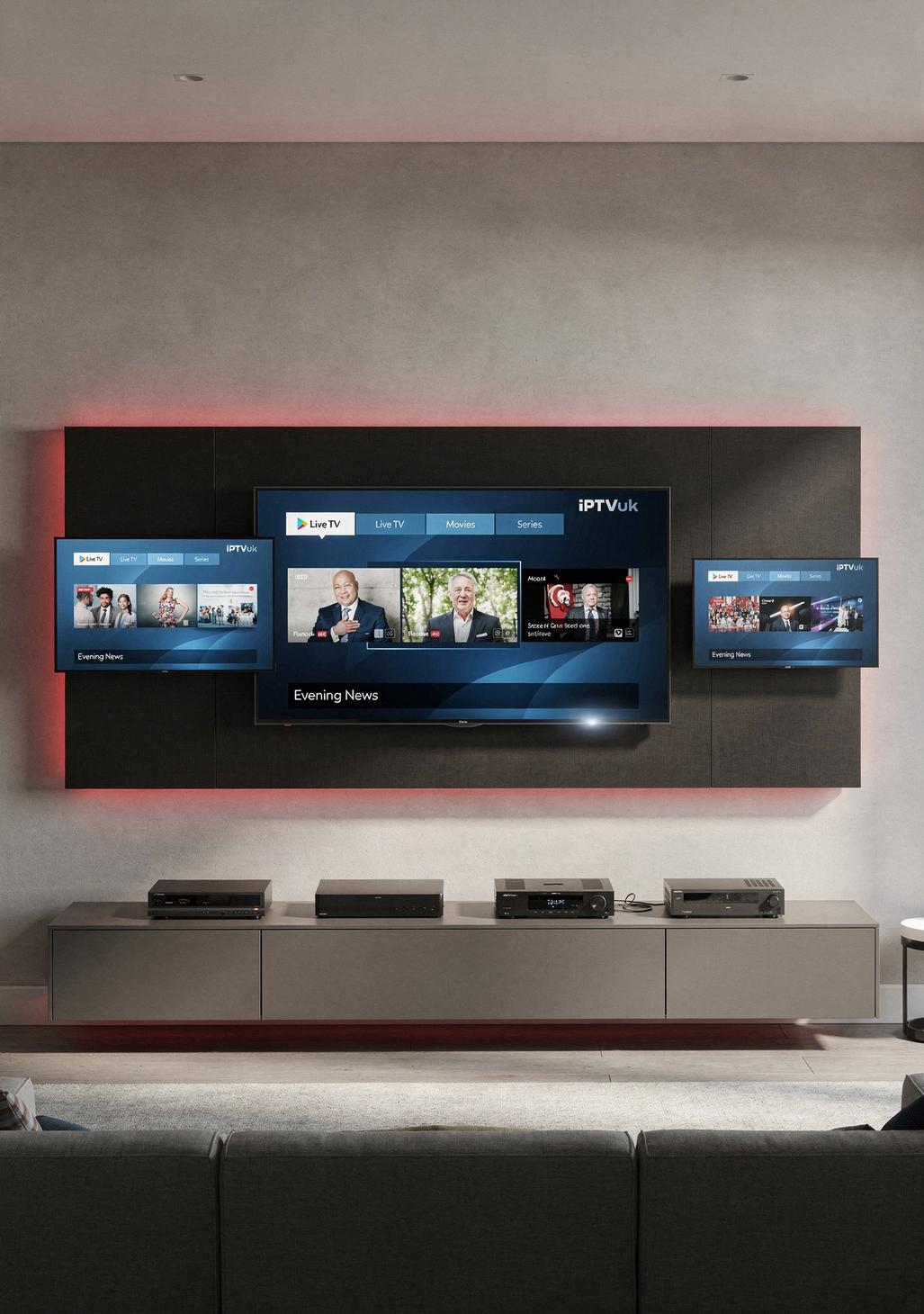
Displays more block tools
IBO Player is the right choice tonight because it doesn’t mess about. You enter a username, a password, a URL — done. No accounts to verify. No two-factor codes pinging your old email. No 14-day “activation period”. Punch in three details, hit OK, the channels load. Football. That’s it.
It runs on the Firestick gathering dust behind your telly. It runs on the Samsung or LG Smart TV you bought last Christmas. It runs on the iPhone in your pocket and the cheap Android tablet your kid abandoned. Same app, same login, every screen. Watch the first half on the big telly, finish the second half in the kitchen while you put the kettle on. No re-buffering, no separate subscriptions per device. One trial credential covers the lot. That’s why we’re using it tonight — because tonight, you don’t have time for anything else.
What You Need (You Probably Already Have Most of It)
Tick the list. If you’ve got these, you’re sorted:
- A device. Firestick, Fire TV, Samsung or LG Smart TV, iPhone, Android phone, tablet, or a laptop with a HDMI cable. Any one. You don’t need all of them.
- Internet. 10 Mbps for HD. 25 Mbps if you want 4K and your telly supports it. Run a speed test if you’re unsure — takes ten seconds.
- A Digital Planet IPTV free trial. No card. No subscription. No “your trial ends in 24 hours, give us money now” emails. Free means free.
- Five minutes. That’s the whole budget.
That’s the kit list. No aerials, no boxes to buy, no engineer to book in for next Tuesday. If your WiFi works and your telly turns on, you’re ready.
Free Trial: Two Minutes and Done
Phone in hand. Open the browser. Go to the Digital Planet IPTV website. Find the “Free Trial” button — it’s not hidden behind a paywall or a 30-field form. Click it.
Enter your email. That’s it. No card details. No billing address. No “we’ll just hold £1 to verify” nonsense that ends up costing you a tenner three months later. Within seconds — actual seconds — you’ll receive your login credentials. Three lines of text: a username, a password, and a server URL.
Screenshot them. Or just keep the email open. You’ll need those three pieces of information in about ninety seconds when we set up the player. That’s the trial done. Zero commitment, zero risk, and if you don’t fancy it after the match, you walk away owing nothing.
IBO Player Installed in Under Three Minutes
Pick your device. Follow the matching steps. Don’t read the others, you’re wasting time.
Firestick / Fire TV (90 seconds):
- From the home screen, search “IBO Player” in the Amazon Appstore.
- Click Download. Wait ten seconds.
- Open the app. Note the MAC address and device key shown on screen.
- On your phone, go to the IBO Player activation site. Enter MAC, key, and your trial credentials from Digital Planet.
- Back on the Firestick, restart the app. Channels load. Done.
Samsung / LG Smart TV (2 minutes):
- Open the Samsung or LG app store on your telly.
- Search “IBO Player Pro”. Install it.
- Launch it. Grab the MAC address it displays.
- Activate on the IBO site using your trial details. Reload the app.
iPhone / Android (60 seconds):
- App Store or Play Store. Search “IBO Player”. Install.
- Open, enter your trial username, password, and URL straight into the app.
- Channels appear. Tap the football match. Watch.
That’s the full install. The free trial from iptvuk on smart tv uk works identically across all three routes — same login, every device. If you’ve timed it right, you’ve still got time to make a sandwich. This is what proper iptvuk should feel like: fast, plain, no drama.
Quick Wins for a Flawless Stream
Don’t ruin it now. Three things, takes thirty seconds:
Get on 5GHz WiFi. Your router broadcasts two networks — one ending in “5G” or “5GHz”, one that doesn’t. Pick the 5GHz one. It’s faster and less crowded. Better yet, plug the Firestick or telly straight into the router with an Ethernet cable if you’ve got one. Buffering vanishes.
Close everything else. Your missus streaming Netflix in the bedroom while your kid downloads Fortnite updates will murder your stream. Pause them for 90 minutes. Bribe with snacks.
Biggest screen, best speakers. You didn’t go to all this trouble to watch a World Cup match on a 6-inch phone. Cast it, HDMI it, or just sit closer to the telly. This is football. Treat it properly.
That’s the lot. Don’t overthink it.
If you’ve got the setup sorted but you’re still not sure whether Digital Planet is the right long-term choice, it’s worth taking five minutes to compare what’s actually out there before you commit to a paid plan. This breakdown of the best IPTV UK services covers channel depth, uptime under pressure, device compatibility, and pricing side by side — so when the free trial ends, you know exactly what you’re signing up for rather than just hoping for the best.
The Match Tonight: Key Things to Watch For
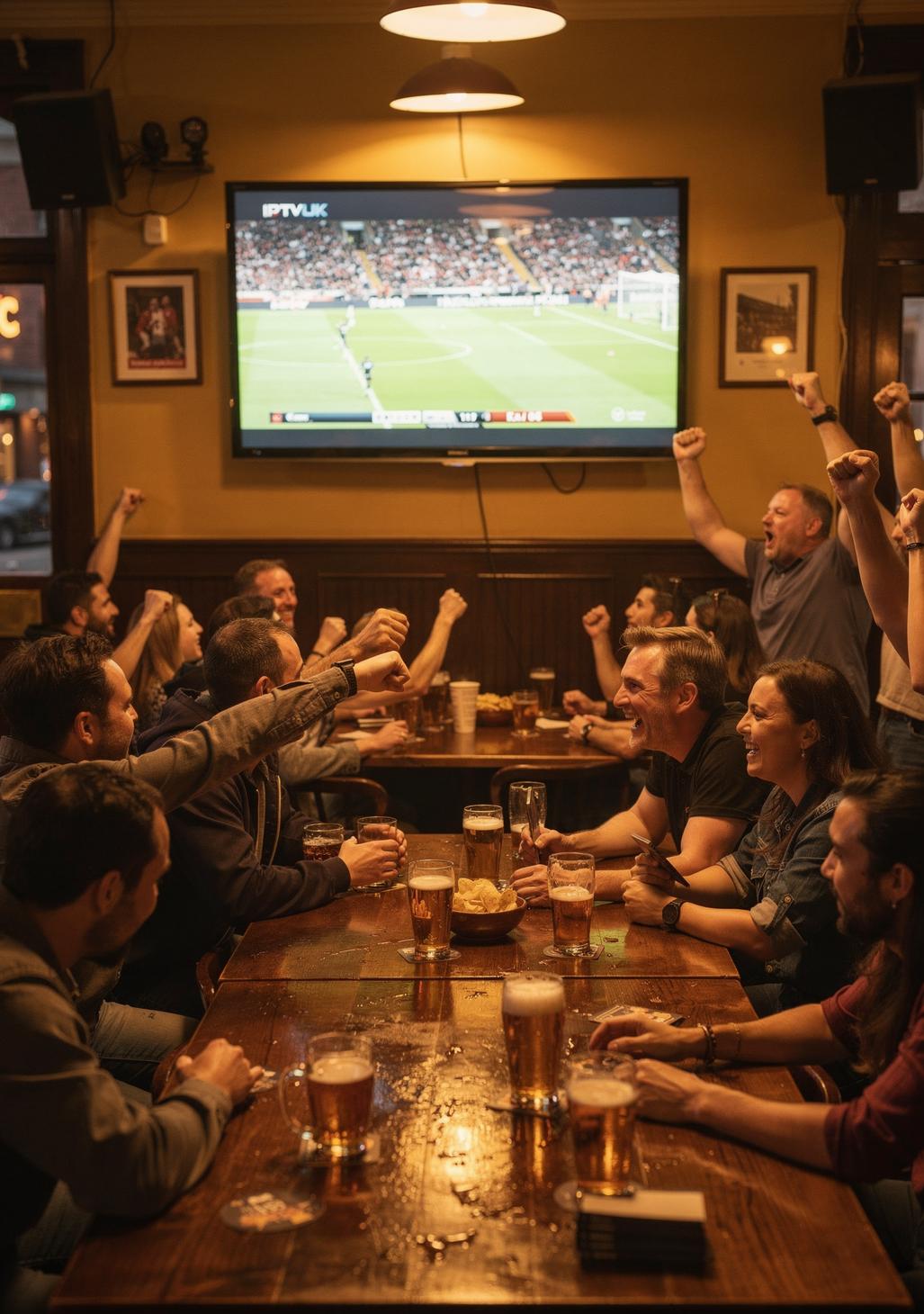
World Cup 2026 — the first 48-team tournament, hosted across the USA, Canada, and Mexico — has reshaped how the group and knockout stages flow. More matches, more pressure, and crucially, more nights where England and Ireland fans are stuck working out how to watch a fixture the terrestrial broadcasters have buried.
For England, watch Jude Bellingham closely. He’s the engine, the creator, and increasingly the finisher — Tuchel’s setup gives him licence to drift, and when he drifts centrally, England score. Harry Kane’s movement off the shoulder remains the difference-maker against tired defences in the final twenty minutes. The defensive question is still whether the back four can hold their line under pressure from quick counters.
For Ireland under Heimir Hallgrímsson, it’s about Evan Ferguson’s hold-up play and Caoimhín Kelleher pulling off the saves that keep them in matches. A result tonight rewrites their qualification narrative entirely.
What to watch for: set pieces in the first fifteen, who blinks first if it’s nil-nil at the hour, and substitutions in the 70th minute. That’s where this match will be won. Now stop reading and finish setting up — kick-off won’t wait.
If Something Goes Wrong — Here Is the Instant Fix
“It says invalid login.” You’ve fat-fingered the URL. Capital letters matter. Copy-paste from the email instead of typing.
“App opens but no channels.” Close it completely (don’t just back out — kill it from recent apps), reopen. Nine times out of ten, that fixes it.
“It’s buffering every ten seconds.” Your WiFi. Move closer to the router or switch to 5GHz. If you’re already on 5GHz, restart the router — yes, now, takes 30 seconds.
“Picture’s pixelated.” Drop the stream quality from 4K to HD in the player settings. Your connection isn’t fast enough for 4K and that’s fine — HD on a big telly still looks brilliant.
“Can’t find the match.” Use the search function inside IBO Player. Type the team name, not the competition. Faster.
Don’t panic. Don’t uninstall anything. Ninety percent of issues are a restart away from fixed.
Kick-Off in Minutes — You Are Completely Ready
Right. You’ve got IBO Player installed. You’ve got your free trial credentials in. Channels are loading. The telly’s on the right input. The kettle’s boiled or the beer’s open — your choice. That’s the entire job done in less time than it takes most people to find the remote.
This is what iptvuk is meant to feel like: turn up, log in, watch football. No contracts, no engineers, no waiting list. The iptvuk on smart tv uk free trial gives you everything you need for tonight’s match with zero commitment — and if it does the business, you already know where to find a proper plan. But that’s tomorrow’s decision. Tonight is about the match.
Sofa. Telly. Football. Go.
Fast Answers to Quick Questions
Will the stream actually be in HD?
Yes. Most channels run in 1080p Full HD by default, and the premium feeds carry 4K where available. As long as your internet hits 10 Mbps, you’ll get clean HD without buffering.
Do I really not need a credit card for the trial?
Correct. No card, no PayPal, no billing details whatsoever. You give an email, you get login credentials, you watch. That’s the entire transaction.
What if my match has already kicked off?
Setup is still under five minutes, so you’ll miss almost nothing. Many channels also offer catch-up, so you can rewind to kick-off once you’re in.
Will this work on my older Smart TV?
If your telly is from 2018 onward and runs Samsung Tizen or LG webOS, almost certainly yes. Older than that, plug a Firestick into the HDMI port — problem solved for £35.
Can I watch on two screens at once?
The standard trial covers one stream at a time. If you want the kitchen telly running simultaneously with the lounge, that’s a multi-connection plan — but for tonight, one screen is all you need.